Free sky simulators for the classroom.No sign-up, no ads, nothing to install.
Why does the Moon change shape? Why is summer hot? Why is the sky blue? Each simulator lets a student find the answer with their own hands, and comes with a worksheet and teacher notes.
The simulators.
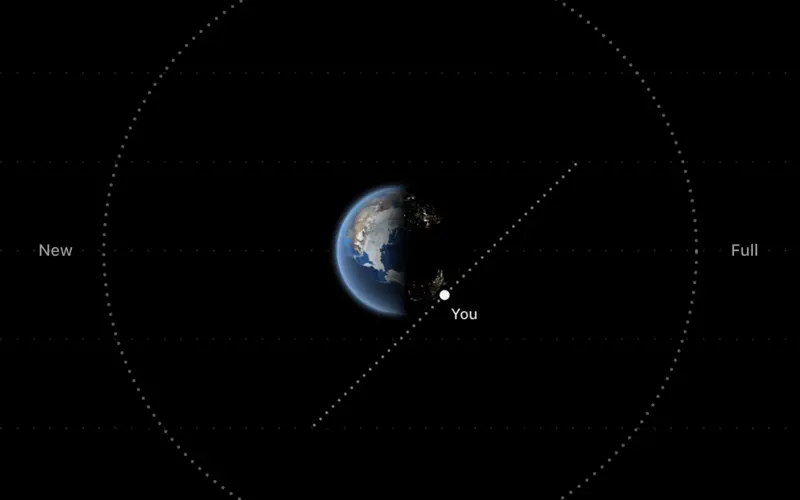
Moon Phases Simulator
Drag the Moon around Earth and see every phase from above and from the ground.
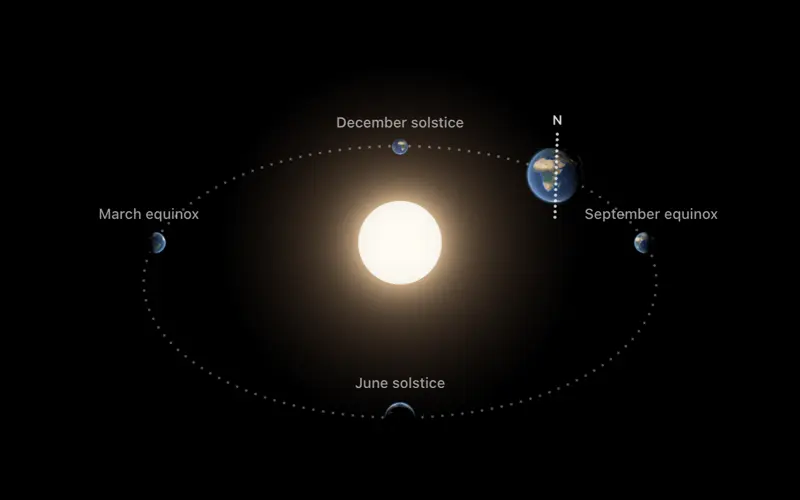
Seasons Simulator
Move Earth around the Sun, change its tilt, and watch the days and the heat follow.
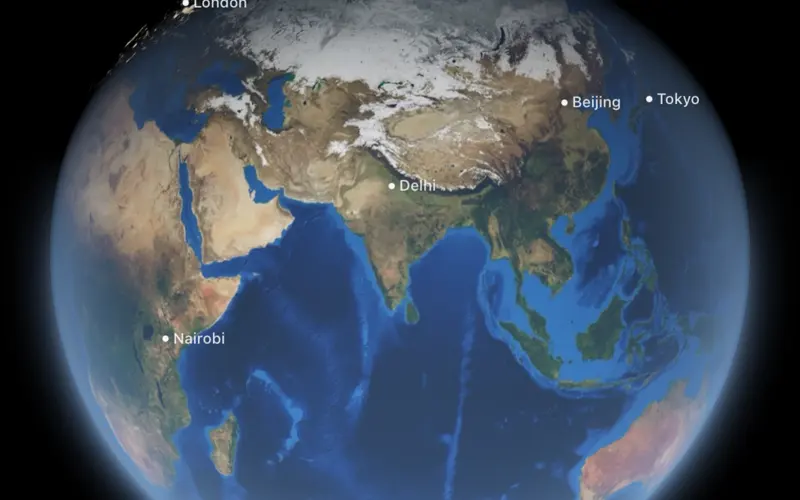
Day and Night Simulator
Spin Earth and see where it is day and night right now, on a globe and a map.
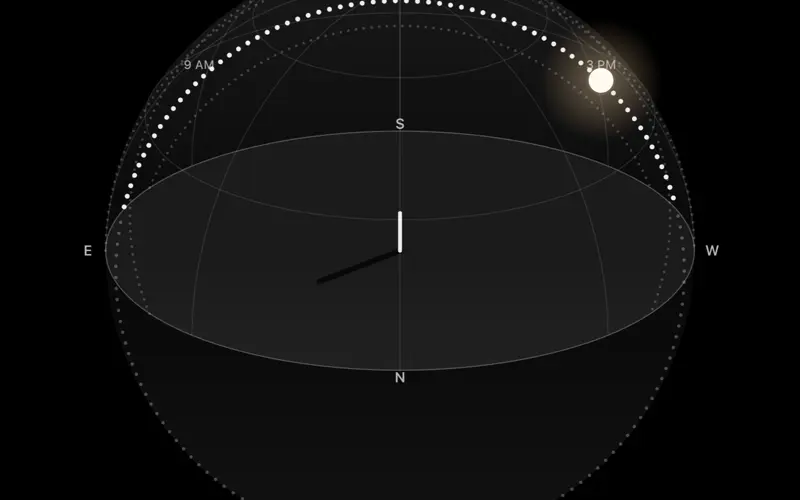
Sun Path Simulator
See the Sun's arc across your sky for any latitude and date, from the equator to the pole.
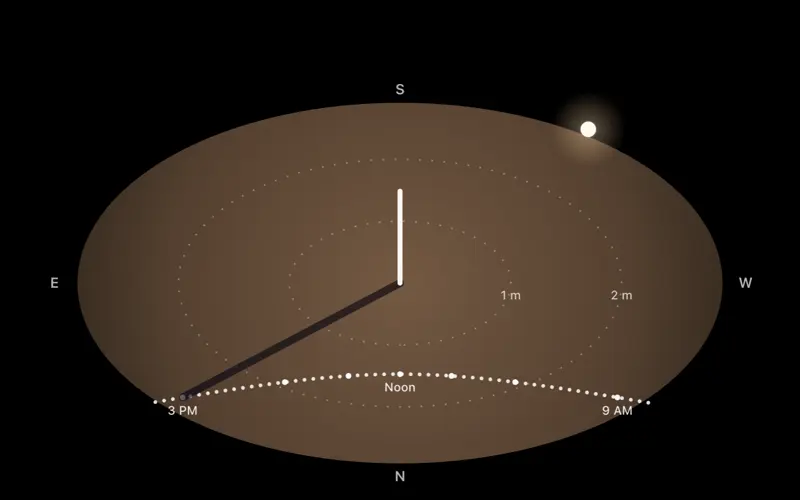
Shadow Simulator
Watch a shadow swing and stretch through the day, and trace a sundial on the ground.
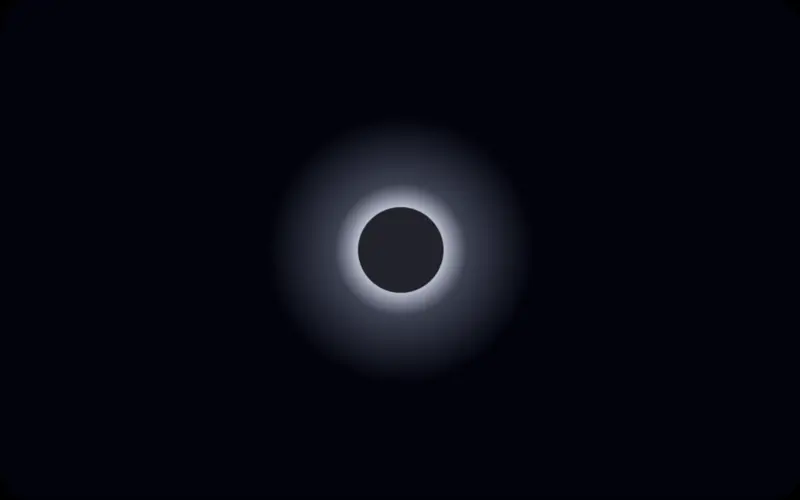
Eclipse Simulator
Line up the Sun, Earth and Moon, and find out why most months have no eclipse.
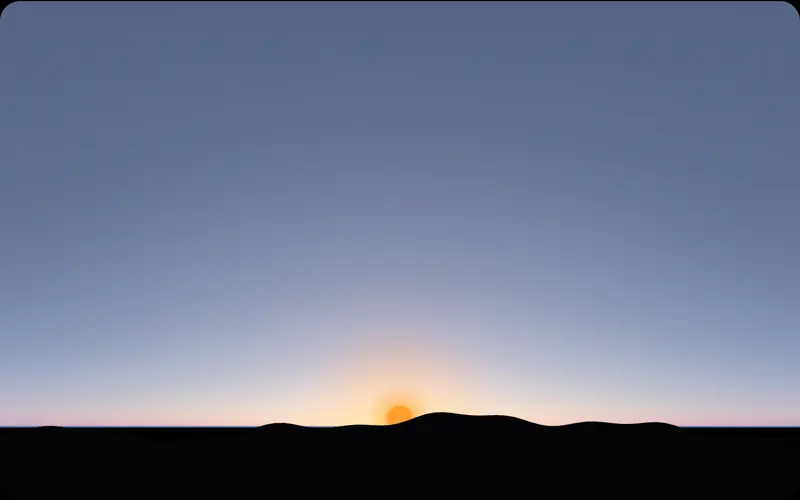
Why Is the Sky Blue?
Move the Sun, change the air, and watch the sky turn from blue to red, or white, or black.
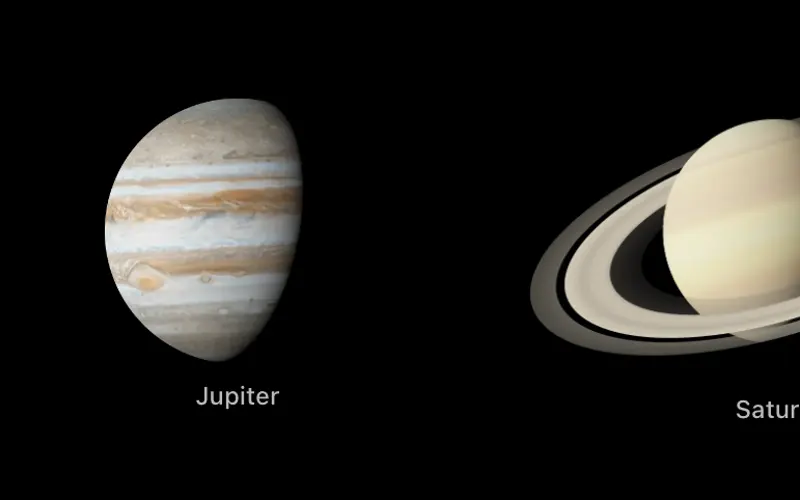
Solar System Scale Model Calculator
Choose how big the Sun is, and get every planet's true size and distance, ready to walk out.
Built for a lesson.
Nothing to set up
Open a link and start. There are no accounts, no class codes and nothing to install, so a lesson does not lose ten minutes to logins. Each one runs in a current browser with WebGL 2, which school Chromebooks have.
Safe for a school
No ads, no cookies, no analytics and no data about students. Read the privacy page.
Made to fit your standards
Each simulator names the standards it serves, with discussion questions and answers. See them all.
Easy to share
Paste a simulator into Google Classroom, Canvas or Schoology with one line of code, or print its worksheet.
Two daily warm-ups.
Everyone plays the same puzzle each day, with no sign-up. Both are free from Sol, the app about the sun and sky.
Take it outside tonight.
Sol shows what the sky is doing where you are: tonight's Moon, the sunset forecast, and the Sun's path over your city.